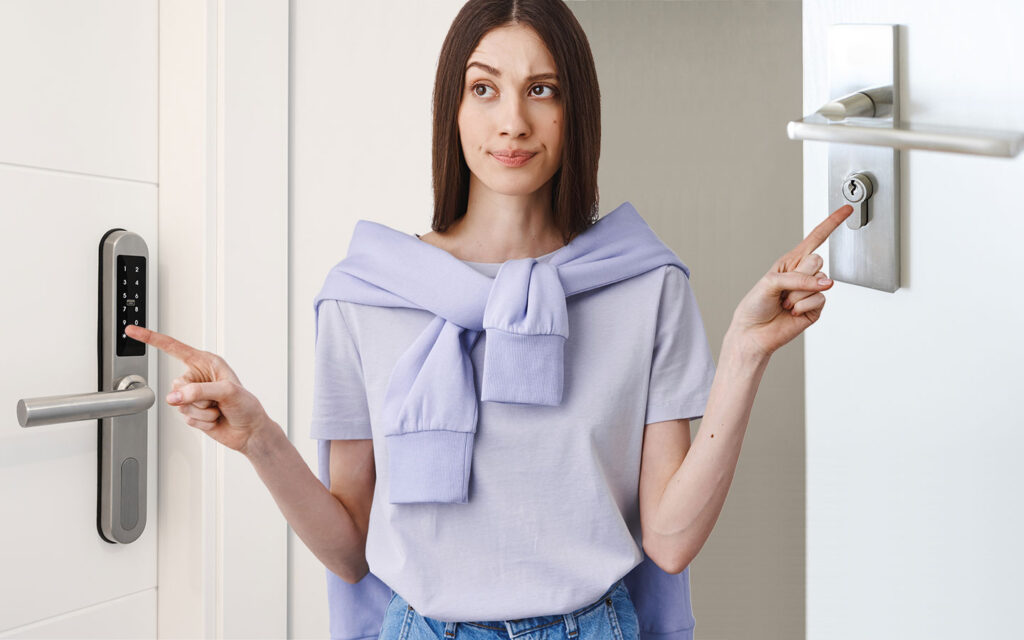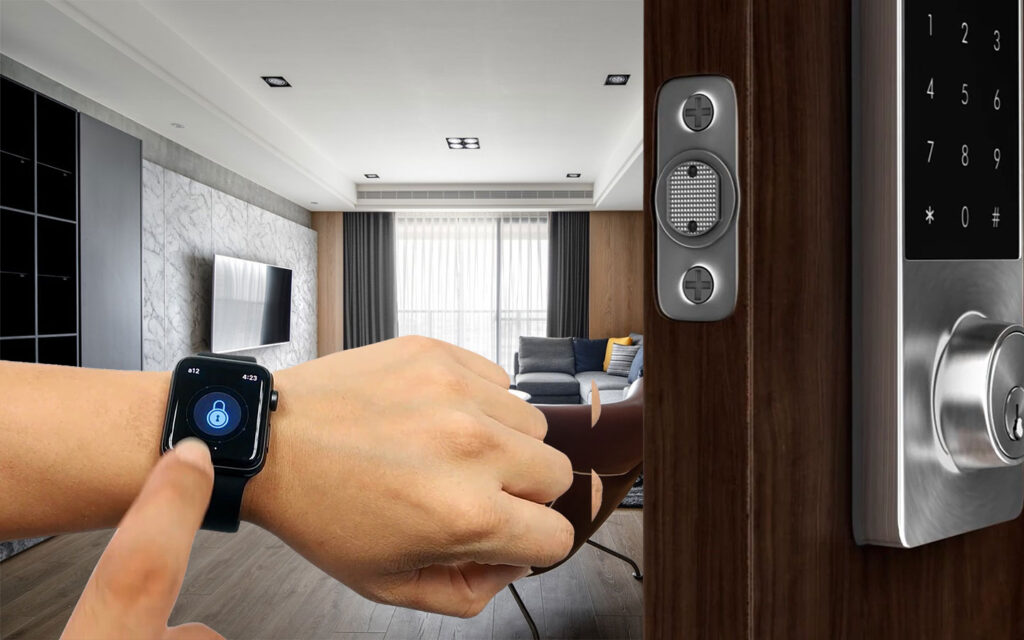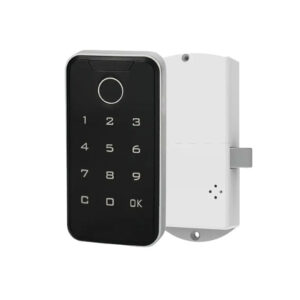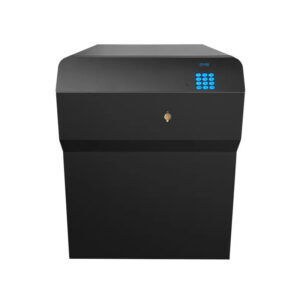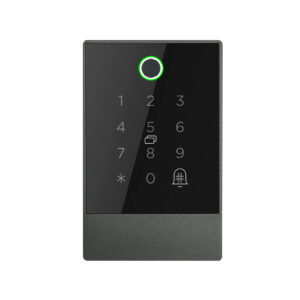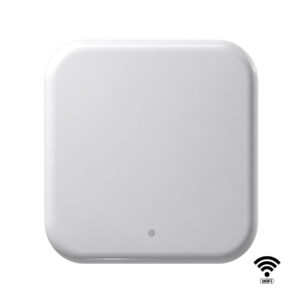

The Gard Passcode Lock is a sleek, modern smart lock designed to transform your traditional door into a secure, keyless entry system. Built with a digital keypad and no mechanical keyholes, Gard offers a seamless, secure alternative to standard locks—perfect for anyone looking to embrace a smarter lifestyle without the hassle of physical keys.
Go Keyless, Stay in Control
Gard eliminates the need for mechanical keys entirely, encouraging a truly keyless lifestyle. Whether you’re a homeowner, landlord, or office manager, this lock gives you more control and convenience with fewer headaches.
It supports up to 200 unique access codes, including administrator codes and 199 regular user codes, allowing multiple users to enter without sharing the same password.
Full Administrative Access
Administrators have elevated access. They can add new users, remove old ones, and even reset the entire lock to factory settings when needed. Regular users can only lock and unlock the door using their personal password.
Take Over Safely
When the lock changes hands—such as when moving into a new home—the new owner will need the current administrator password to fully reset the system. Once authenticated, restoring the lock to its original factory state is simple:
-
Press
###three times to access the user menu. -
Enter the admin password and press
#. -
Press
4, then re-enter the admin password and press#. -
A green light will flash three times to confirm the reset.
Once reset, a new admin password must be set up.
Setting Up the Lock
To program your first administrator password after a reset:
-
Press
###. -
Enter the default factory password
0123456and press#. -
Enter your new 6-digit password and press
#. -
Re-enter the password to confirm. A green light will flash three times to signal success.
You can then:
-
Add a second admin password
-
Create up to 198 user passwords
Adding a new user or second admin password is also done from the menu by entering your admin code and following the prompts.
What Happens If You Forget Your Code?
If the administrator password is lost and can’t be recovered, the lock must be reset—but this requires the existing admin password. Just like handing over a physical key, passing on the admin password is essential when transferring ownership.
To avoid being locked out, it’s strongly recommended to securely store both admin passwords. You’ll still be able to use your user password for daily entry, but without admin access, no changes can be made.
Power and Compatibility
Battery Life
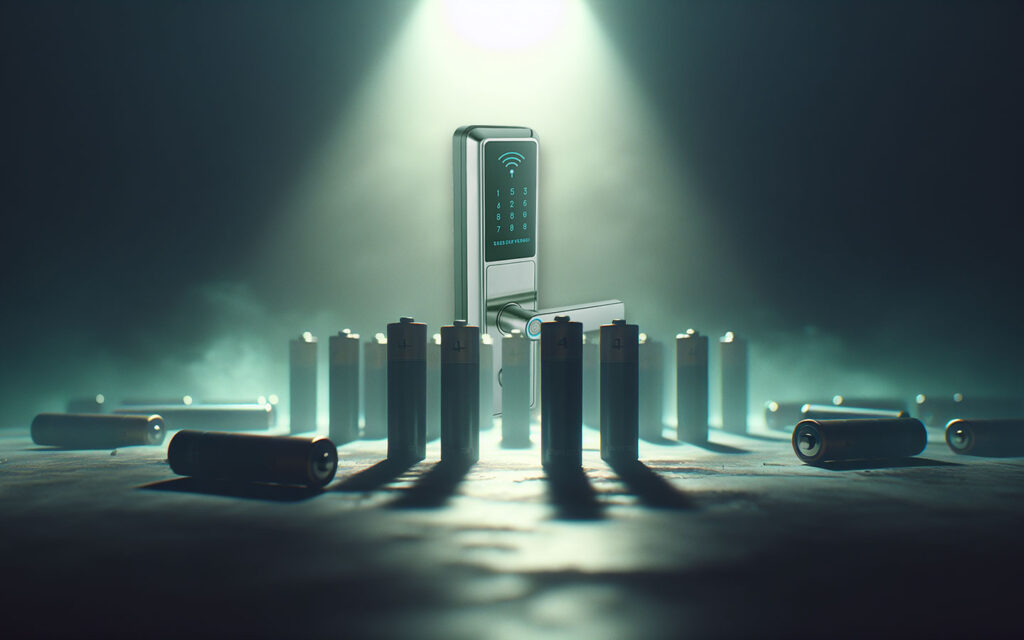
The Gard lock runs on battery power and typically lasts between 3 to 6 months, depending on usage. A red light and buzzer will alert you when battery levels are low. Don’t worry—your passwords are preserved even when the batteries die. Just replace them and continue using the lock as normal.
Door Fit
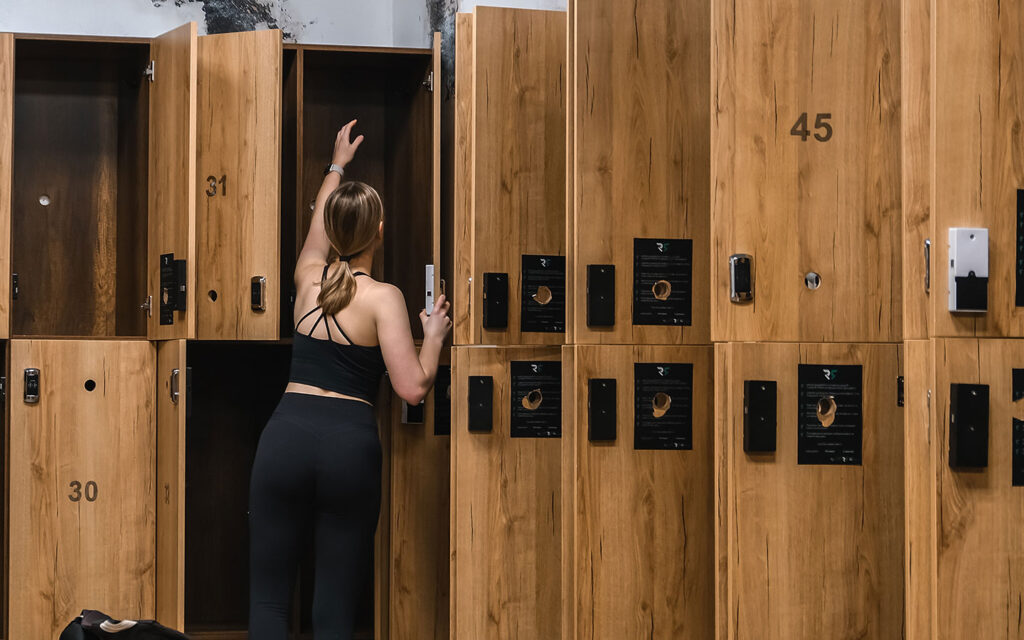
Gard is designed for Euro-profile cylinder doors and supports door thicknesses between 65mm and 95mm. The lock includes an extendable cylinder, making it compatible with most standard residential and commercial doors. It also works with both left- and right-handed doors, so orientation is never a concern.
Security Features
The lock’s design includes anti-break features to guard against forced entry. With its tamper-resistant build and no keyholes, it offers a higher level of security than traditional mechanical locks.
Final Thoughts
Gard is more than just a lock—it’s an upgrade to how you access and secure your space. With intuitive controls, strong user management, and flexible compatibility, it’s a reliable choice for homes and businesses alike.
Still have questions? Reach out to our team anytime—we’re here to help.